Welcome to Life Time
Thank you for joining us at Life Time Fifth Avenue!
We are processing your request.

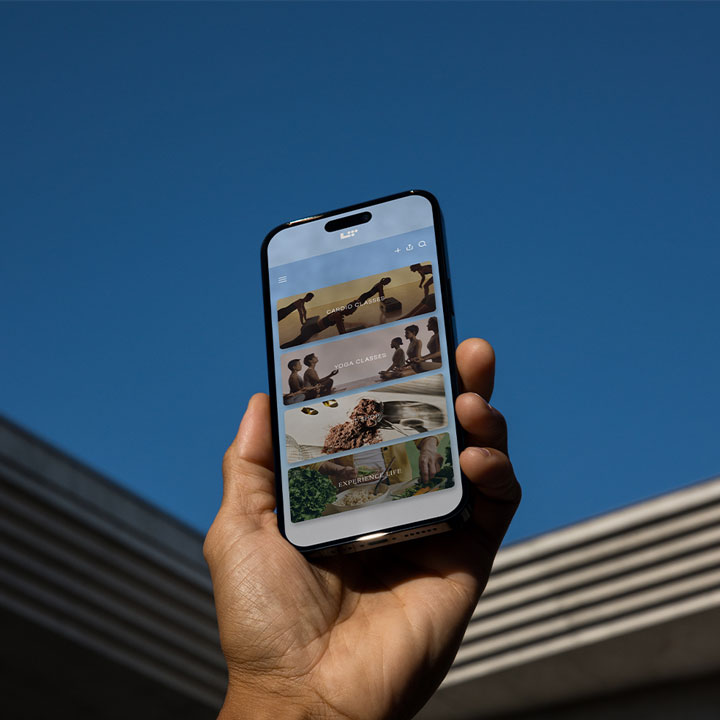
Download Life Time Digital
To finalize your membership set up, please ensure you have the Life Time Digital app downloaded. This will give you access to your digital membership card to check in for your first visit.
Please note: It may take up to 1 hour for your Life Time Digital app to reflect your new membership and club access.


Sign In
Once you have the Life Time Digital app, follow these steps to sign in:
Step 1: On the first screen, select ‘Get Started’.
Step 2: Enter the email address you used when setting up your membership and select ‘Continue’.
Step 3: Enter the password you used when setting up your membership and select ‘Continue’.