

Parking Information
Your membership includes 3 hours of validated parking daily. After 3 hours, a $3 charge applies. Follow these easy steps for a seamless parking experience each time you visit the club.
1
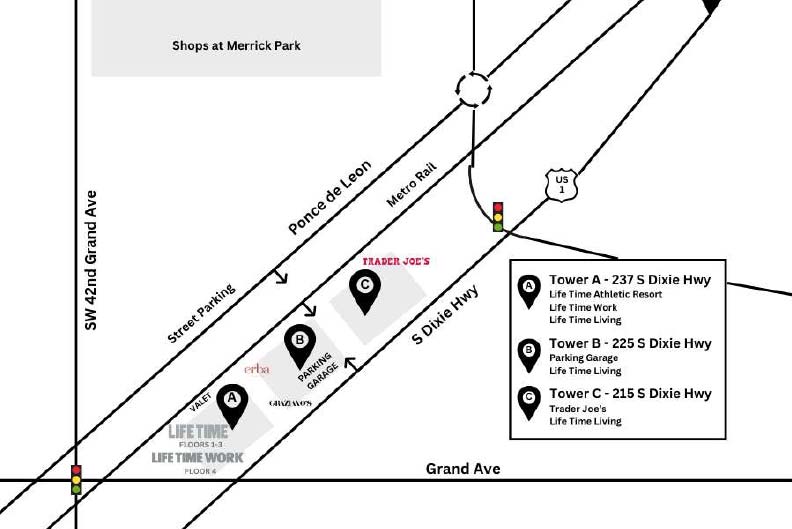
Locate the parking garage
Entrances to the parking garage can be found on Ponce de Leon or S Dixie Hwy.
2
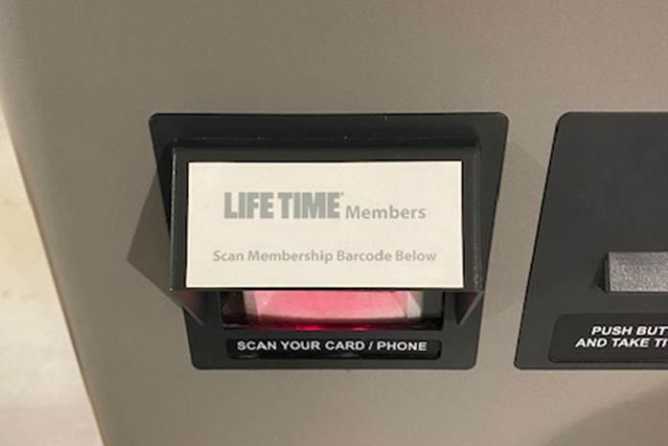
Scan in
Pull a ticket or use your membership QR code in the Life Time app.
Home club members can use their Life Time app QR code. Otherwise, pull ticket at the gate, save and bring ticket into Life Time for validation upon exit.
3
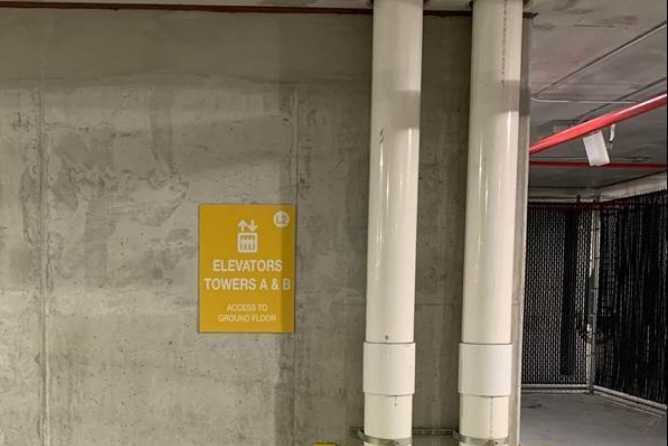
Choose your parking spot
Proceed to levels 3-6 for parking.
4
Scan Out
Use your Life Time app membership QR code to exit. If you used a ticket at entry, bring your pulled ticket to the concierge desk at Life Time when you are leaving the club. A Concierge Team Member will validate your parking.
Questions? Call 786-437-4400 or stop by the concierge desk.